
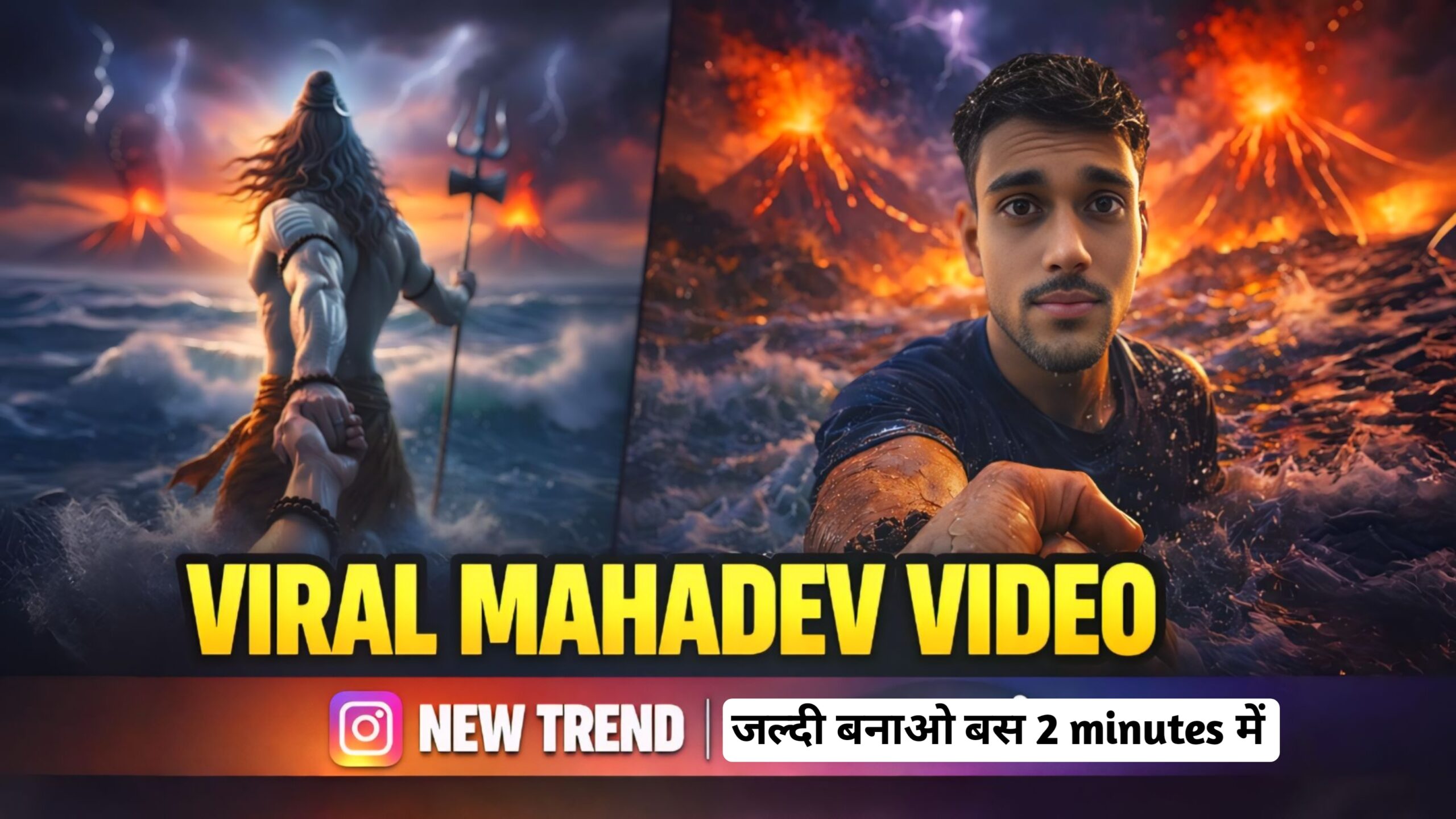
Viral Mahadev Video Prompt – ऐसी Video बनाओ बस 2 Minutes में

🔥 Flow AI से Viral Mahadev Video कैसे बनाएं (Step-by-Step Guide 2026)
आजकल Instagram Reels, YouTube Shorts और Facebook पर Mahadev AI videos तेजी से viral हो रहे हैं। अगर आप भी cinematic Shiva video बनाना चाहते हो — बिना editing skill के — तो Flow AI जैसी AI technology से 5–10 मिनट में powerful devotional video बना सकते हो।
🎯 Step 1 — Mahadev Aur Apni Image तैयार करो
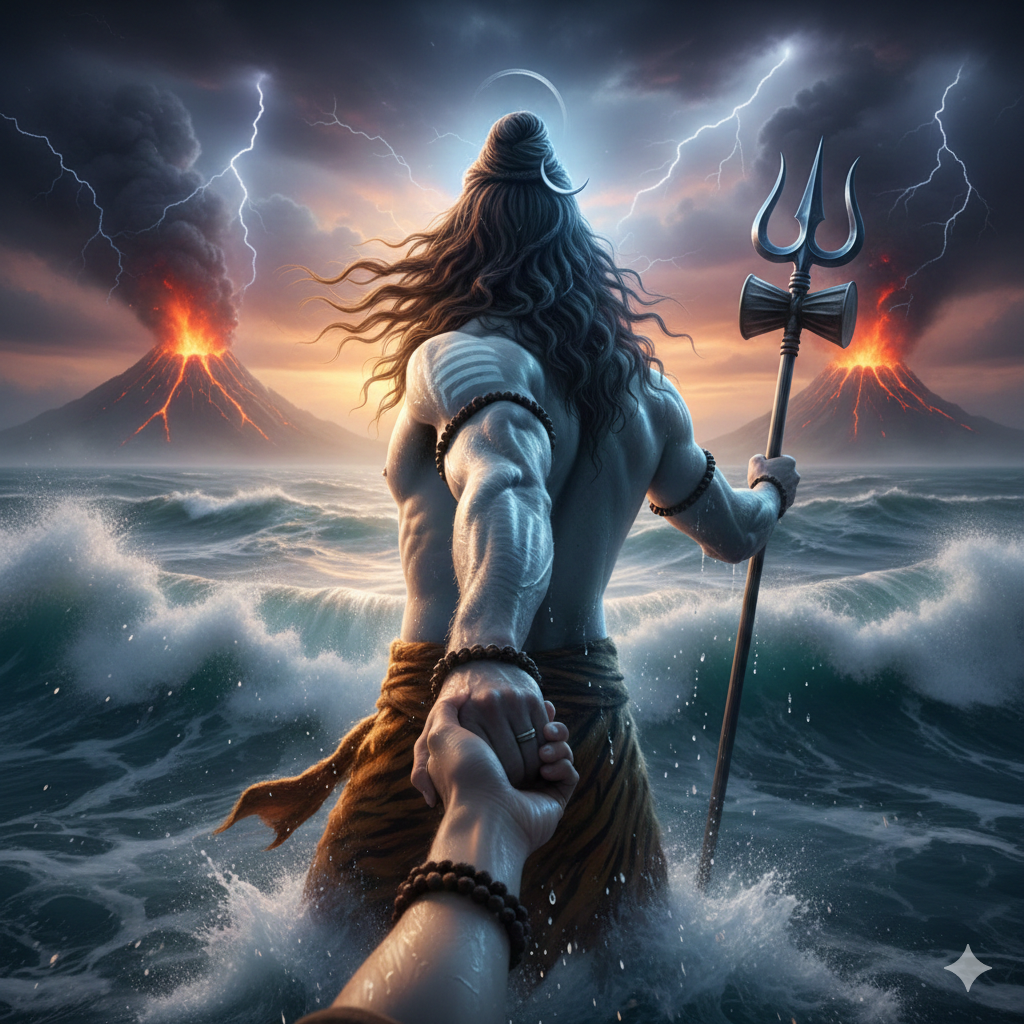
Mahadev Image Prompt 👇
POV cinematic shot of Lord Shiva standing in the ocean, holding viewer’s hand and leading forward, back view of Shiva, muscular divine body, long flowing hair, sacred ash stripes on arm, holding trident (trishul), dramatic stormy sky, lightning, erupting volcanoes in background, powerful ocean waves, epic mythological atmosphere, hyper realistic water splashes, ultra detailed skin texture, spiritual aura halo behind head, cinematic lighting, depth of field, 8k ultra realistic, epic composition, high contrast, volumetric lighting, photorealistic, masterpiece.
Copy Prompt
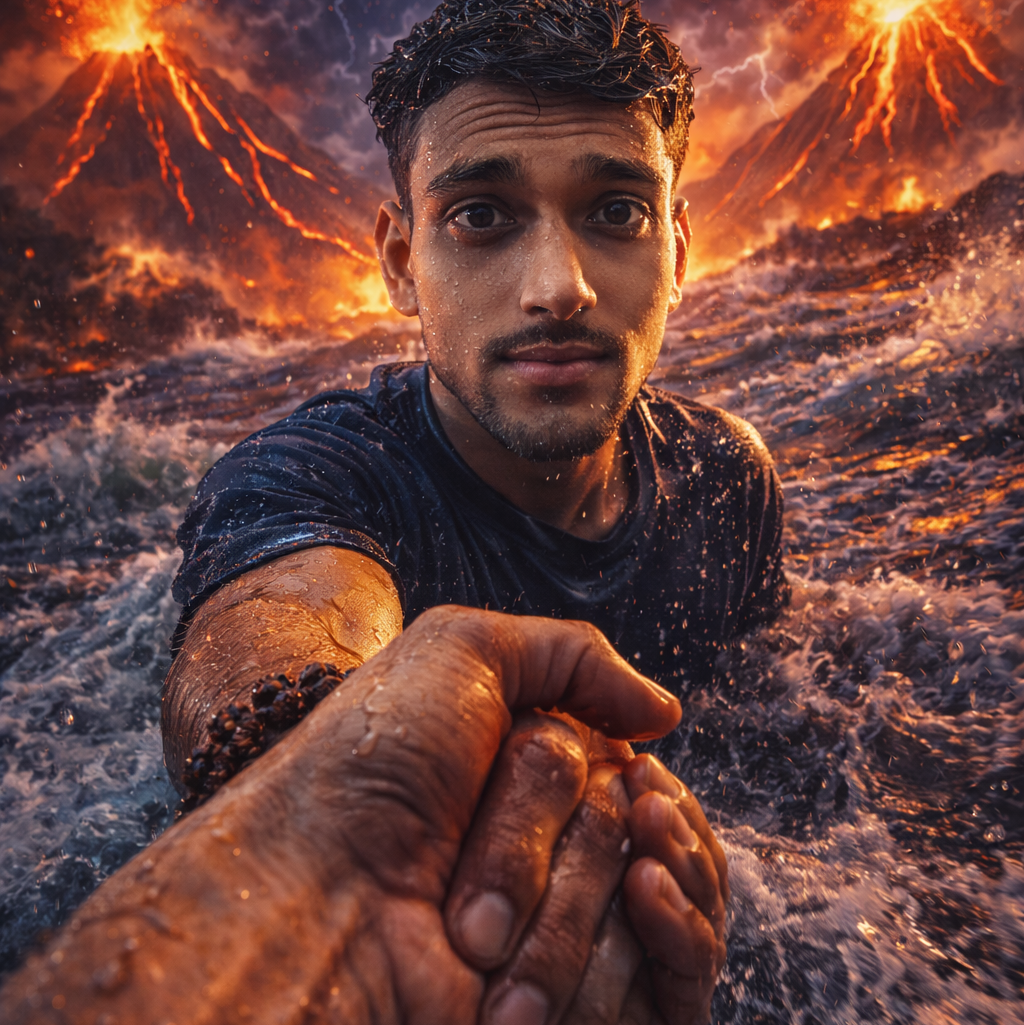
Your Image Prompt 👇
Create a cinematic hyper-realistic scene using my uploaded photo as face reference.
Keep exact face identity, hairstyle, skin tone, expression and facial structure.
POV perspective: first-person view standing in a raging ocean during a cosmic storm.
The person is waist-deep in crashing sea waves, fully drenched, wearing a dark blue sports jersey.
He is holding my hand and pulling me forward.
Foreground: detailed hand holding scene, wet skin texture, water droplets, realistic veins, rudraksha bracelet on my hand.
Background: massive volcanic mountains erupting with glowing lava, dark storm clouds, lightning striking the sky, dramatic ocean waves splashing.
Lighting: cinematic dramatic lighting, orange and purple color tones, high contrast, volumetric light, ultra realistic water physics.
Style: ultra realistic, 8k, sharp focus, detailed skin texture, epic cinematic composition, depth of field, photorealistic, movie scene look.
Copy Prompt
🎬 Step 2 — Flow AI में image upload करो
- Open Flow AI tool
- Click On Create Project
- Select Frame to Video Option
- Upload Mahadev Photo In First Frame
- Upload Your Photo In Second Frame
- Paste Video Prompt
- Click On Generate Button ✅
Video Prompt 👇
“Create a single continuous cinematic shot using the two uploaded images as the start and end reference. The video begins in a first-person POV. The camera shows only the front person’s shoulder, arm, and hand holding the viewer’s hand. The camera moves forward naturally, as if the viewer is walking through ocean waves. Water splashes, rain falls, lightning flashes, and a volcano erupts in the background. Without any cuts or scene changes, the camera smoothly moves around the subject in one fluid motion, maintaining the hand-holding connection. The movement feels like a natural body-mounted camera (steady but realistic). As the camera completes the movement, it ends facing me, fully revealing my face and body while I continue walking forward through the water, still holding the viewer’s hand. Technical Style: Single take, one-shot camera, no cuts, no jumps, smooth cinematic motion, realistic physics, slow motion water splashes, dramatic lighting, ultra-realistic textures, epic storm atmosphere, 4K cinematic quality, natural human movement, stable focus, no flicker.”
Copy Prompt
🔊 Step 3 —Background music add करो (Most Important)
- Download Music
- Open Editing App (VN, Capcut, Kinemaster
- Import Your Video
- Add Music 🎵
- Customize
- Click On Export ✔️
A really good blog and me back again.